How to Install A Sound Effects Pack
This will guide you through installing a sound effects pack in MorphVOX Pro
Sound Effects
-
On the left panel of MorphVOX select 'Sound Effects' and then click on the sound effect you wish to install.
-
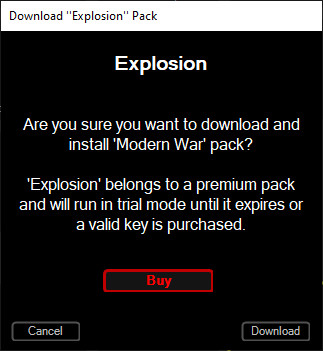
Click on the download button. This will download and install your pack.
-
To unlock your sound effects, just click on the sound effect that is installed.
-
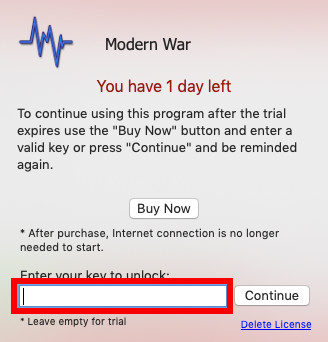
After clicking on a sound effect the unlock dialog will appear. Enter your key for the Sound Effects Pack you purchased and it will no longer prompt you to purchase.